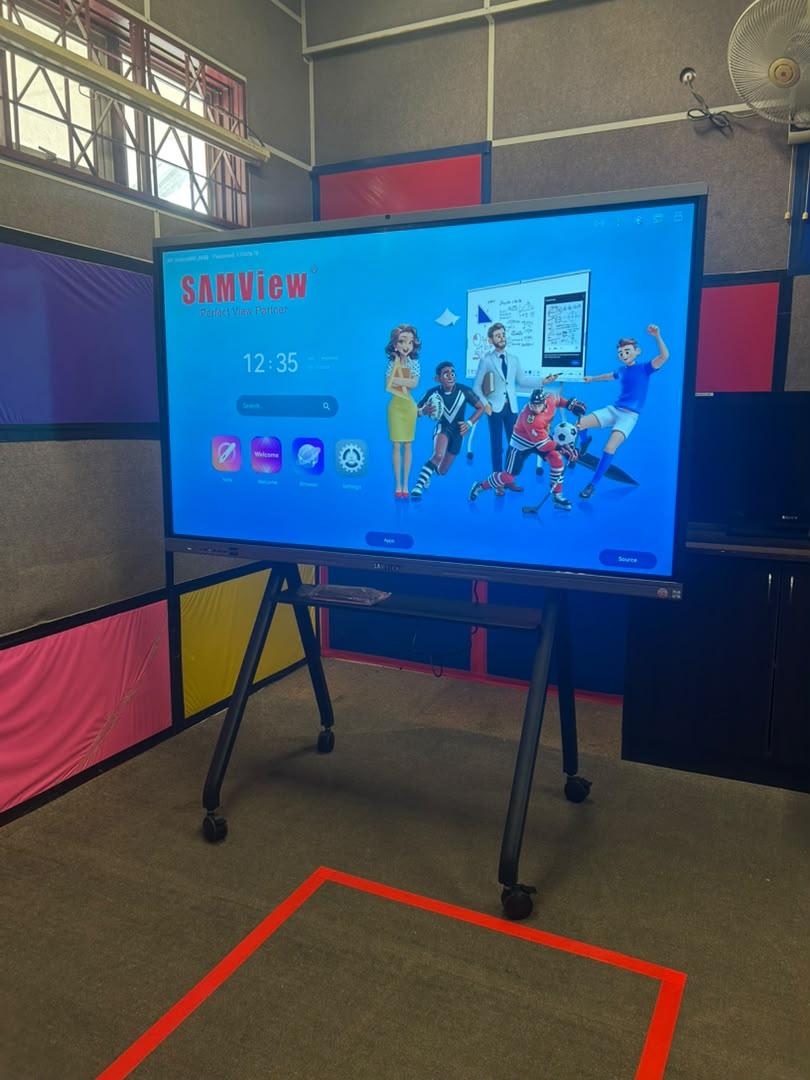
SK Perempuan Bukit Kuda
See the Smartboard delivery, installation and completed setup at the school in Klang, Selangor.
View School Project & Video
SAMVIEW AI SMARTBOARD
Explore Samview Smartboards on the official Samview Malaysia website. Compare 55-inch to 100-inch 4K interactive whiteboards for classrooms, training rooms and meeting spaces. Premium 65″/75″ and Flagship 86″/100″ models are Google EDLA certified. Request product advice, a demonstration and an official quotation directly from Samview.

Android OS pricing. Delivery, mounting, installation, training and optional accessories are confirmed in the official quotation.
4GB RAM + 32GB storage
8GB RAM + 128GB storage
16GB RAM + 256GB storage
Intel Core i5, 16GB RAM + 512GB SSD — RM2,800
Intel Core i7, 16GB RAM + 512GB SSD — RM3,700
OPS prices are optional upgrades and are added to the selected Android Smartboard.
Write, draw and annotate naturally with support for collaborative multi-touch activities.
Share from laptops, tablets and smartphones for faster lessons and presentations.
Present detailed learning content with a wide 178° viewing angle and anti-glare glass.
Explain ideas, save lesson notes and support whole-class or group learning.
Support convenient access workflows on equipped Samview configurations.
Add an OPS computer when Windows applications and desktop workflows are required.

For mobile teaching, exhibitions and flexible workspaces, Samview also offers 24″ and 32″ portable Android 13 Smartboards with 8GB RAM and 128GB storage.
Tell us your room size, preferred display size, quantity, mounting requirements and whether you need installation, training or a Windows OPS. Samview Malaysia will recommend a suitable configuration and prepare an official quotation.
REAL CLASSROOMS. REAL PROJECTS.
Explore Samview Smartboard projects at a school and a tuition centre, with real installation photos and project videos.
See the Smartboard delivery, installation and completed setup at the school in Klang, Selangor.
View School Project & Video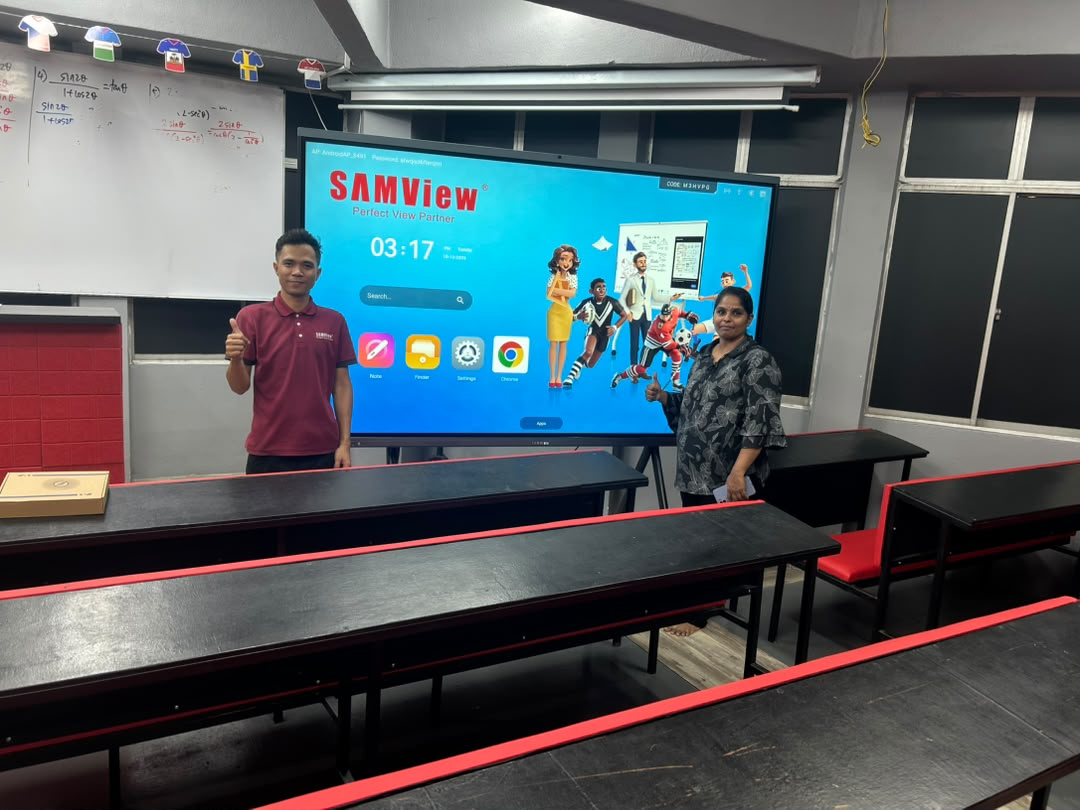
Take a closer look at a Samview Smartboard in a tuition classroom, with project photos and video.
View Tuition Centre Project & VideoWATCH. LEARN. TRY.
Preview the Smartboard before you choose, or use our short video guides to get started. Learn the basic tools, screen sharing and annotation at your own pace.
Start with a short introduction to the interactive whiteboard’s basic functions.
Watch on YouTube · 52 secondsWatch an Android wireless screen-sharing demonstration for the Smartboard.
Watch on YouTube · 40 secondsSee the Smartboard’s comment function in a short, focused walkthrough.
Watch on YouTube · 34 secondsMore guides cover setup, OPS installation, file import, screen recording and everyday operation. Menus and available functions may vary by model and software version.
From natural writing to effortless screen sharing, Samview brings teaching, training and teamwork together on one vivid interactive display.
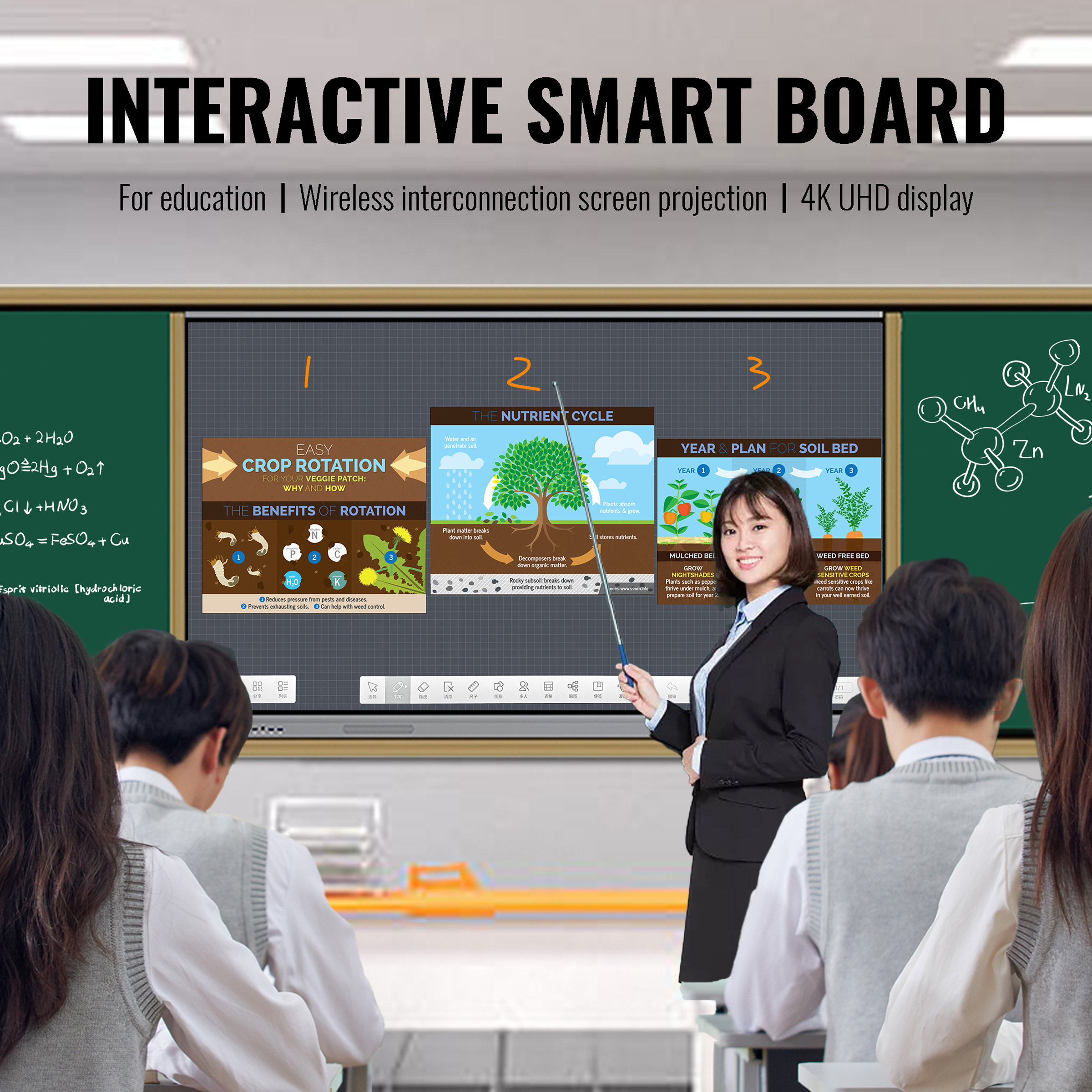
Bring teaching content, annotation and student participation together on one large 4K display.
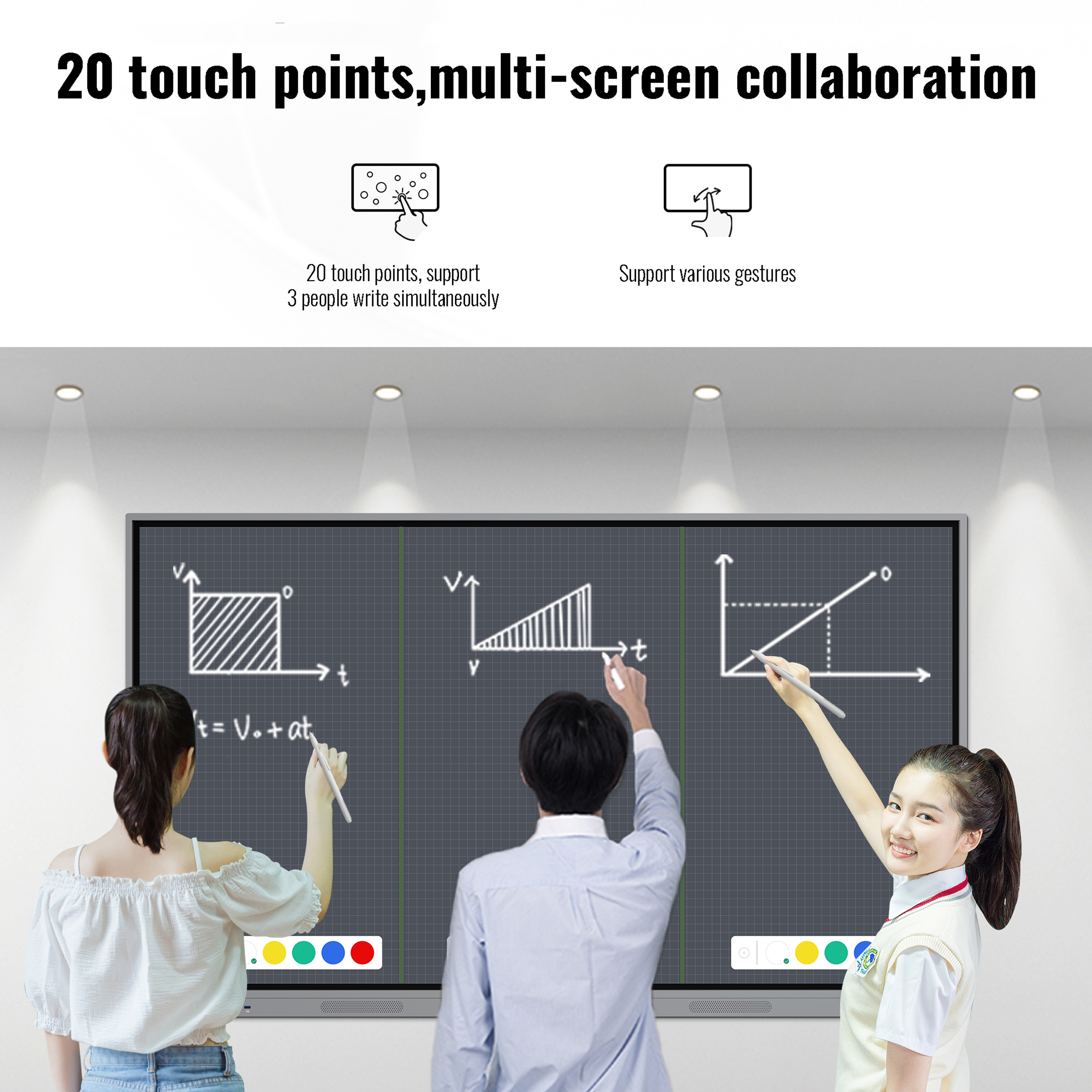
Support multi-user writing and group activities with responsive gesture control.
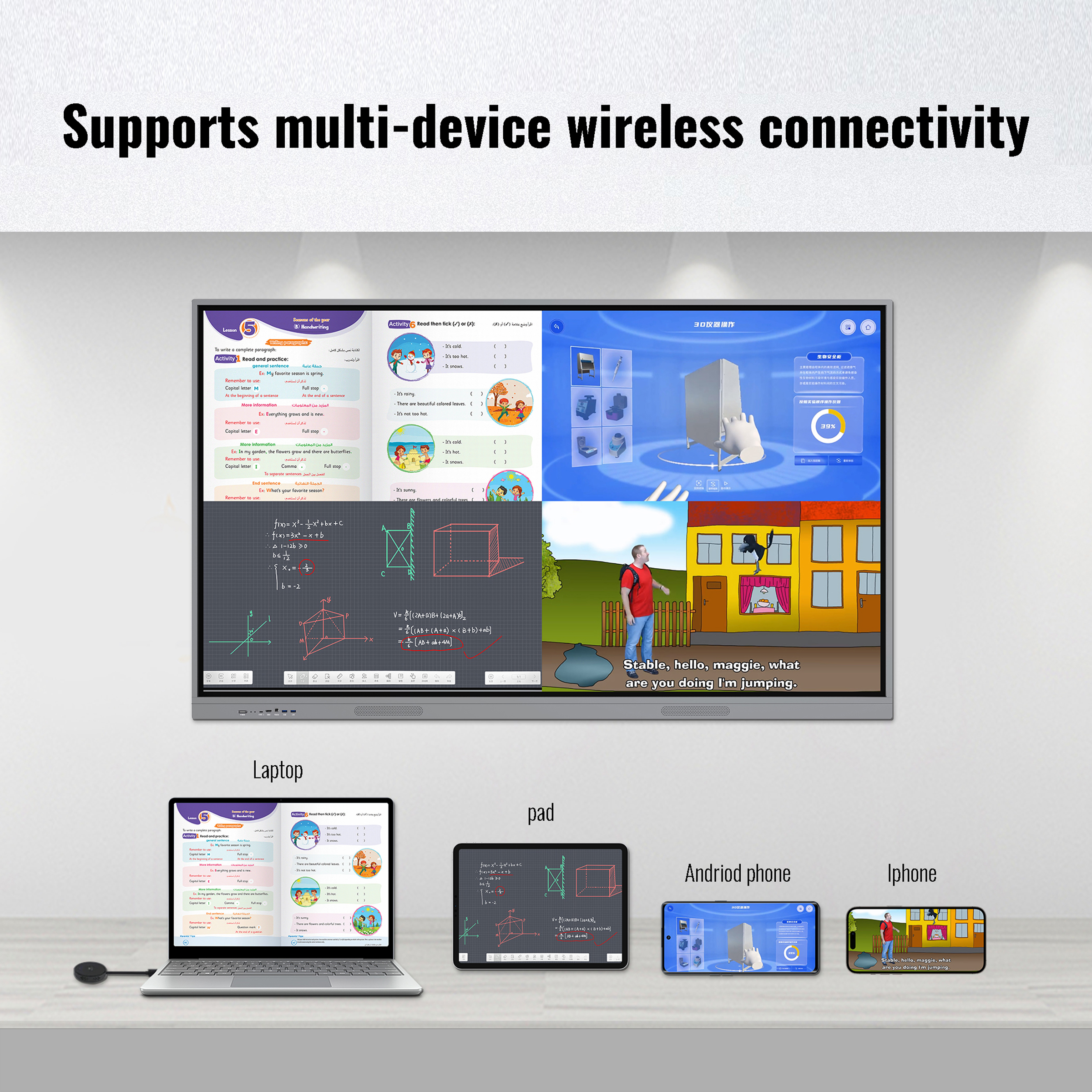
Share learning content from laptops, tablets and smartphones with less cable clutter.
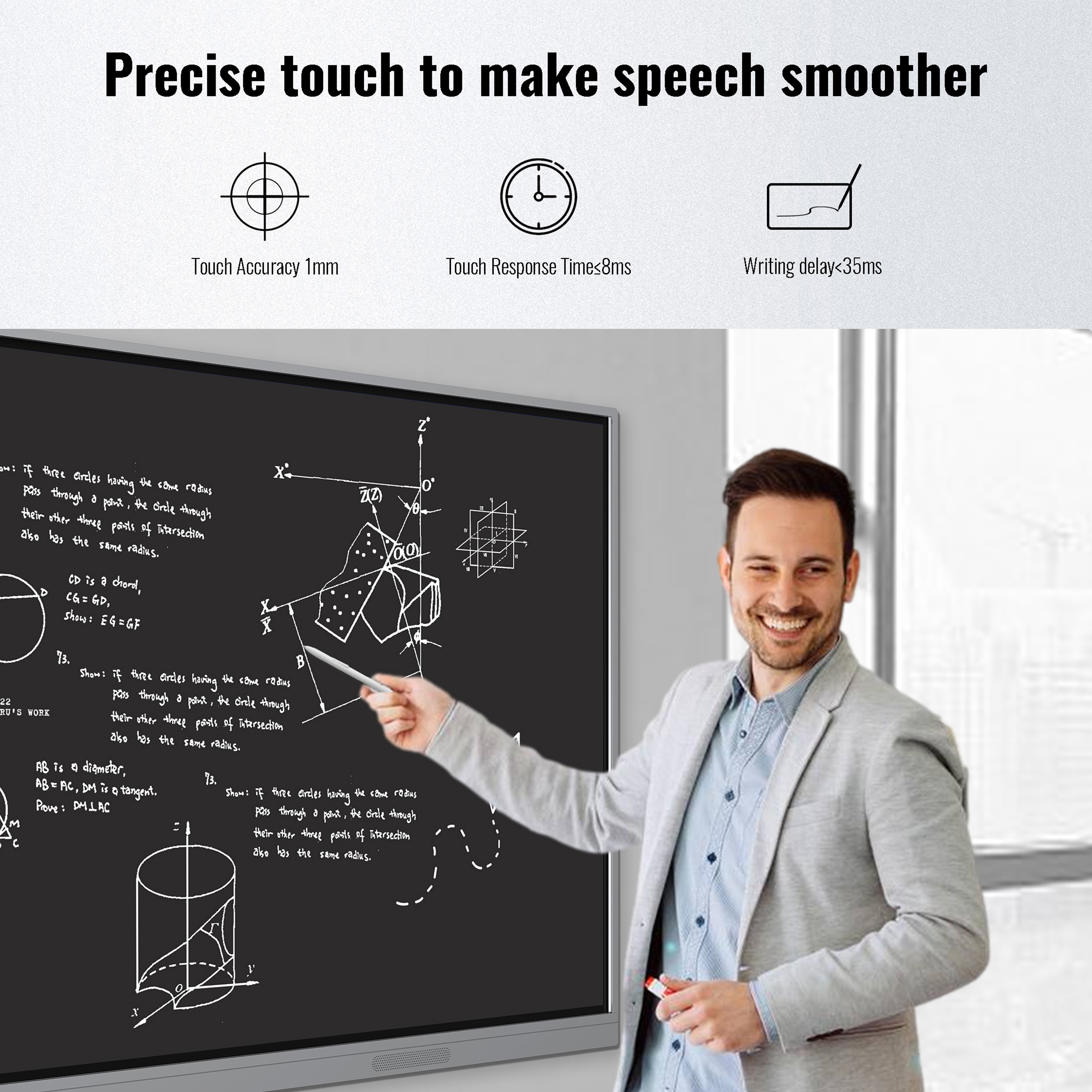
Write, draw and explain ideas naturally with accurate touch response.
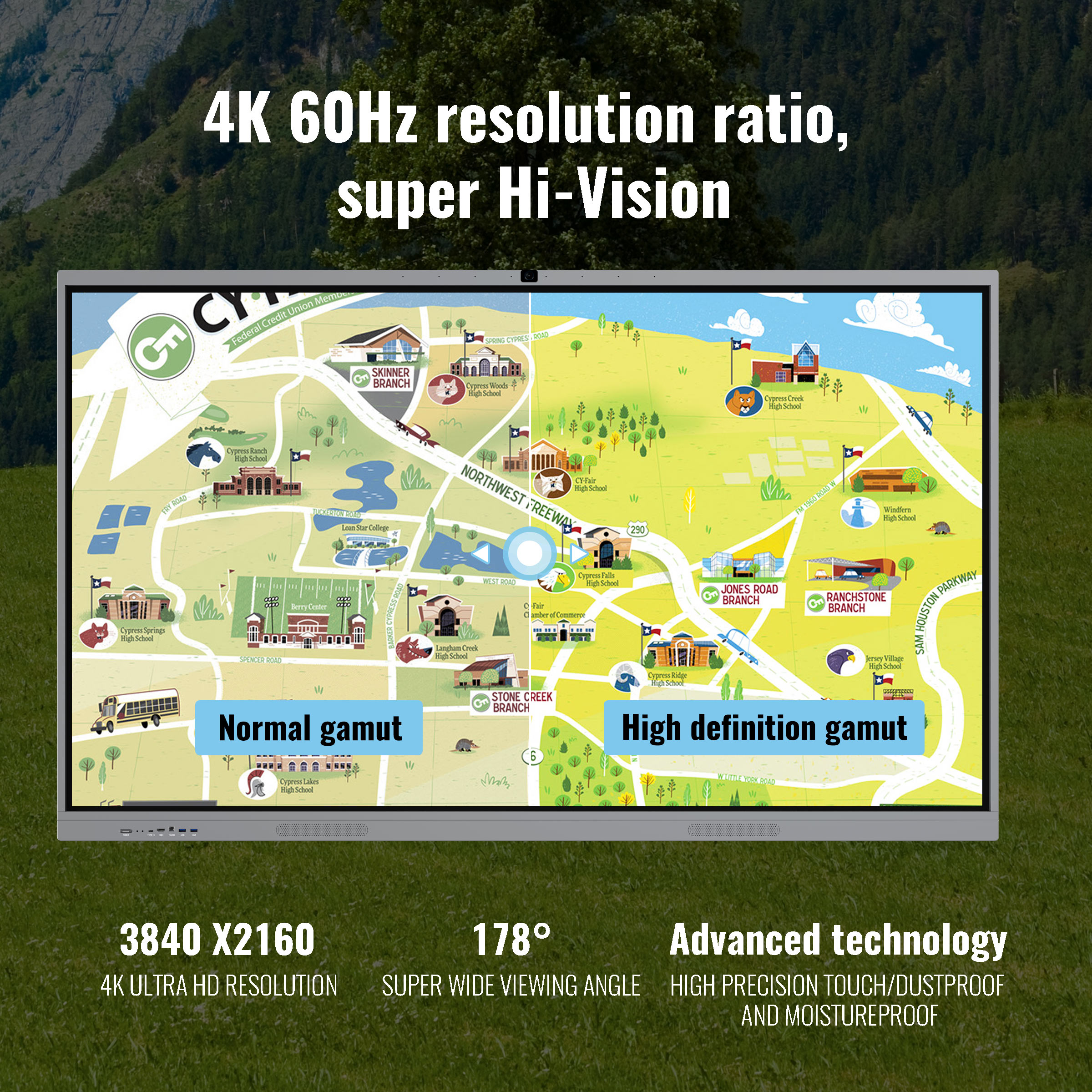
Show detailed lessons and presentations with high-definition colour and a wide viewing angle.