Samview Smartboard at ES Tutorial: A Classroom Project
SAMVIEW CUSTOMER PROJECTS · EDUCATION
See how a Samview Smartboard fits into the teaching space at ES Tutorial, with real project photographs and video.
Bringing an interactive display into the classroom
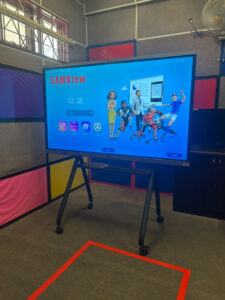
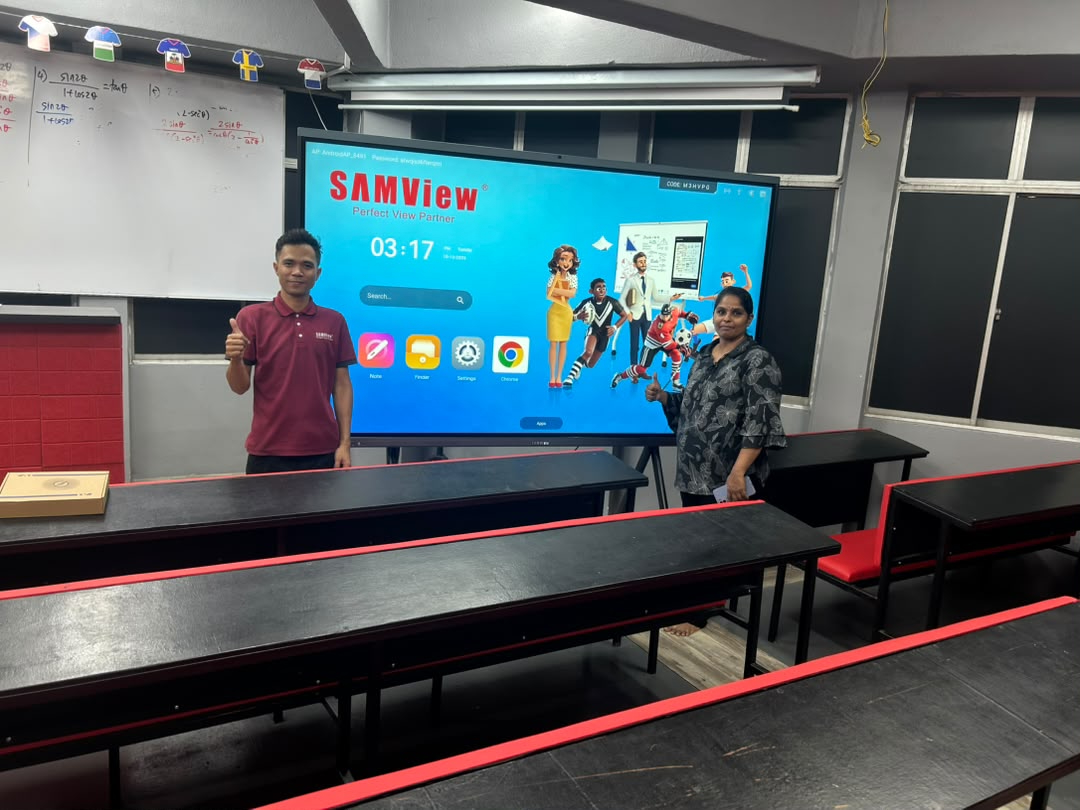
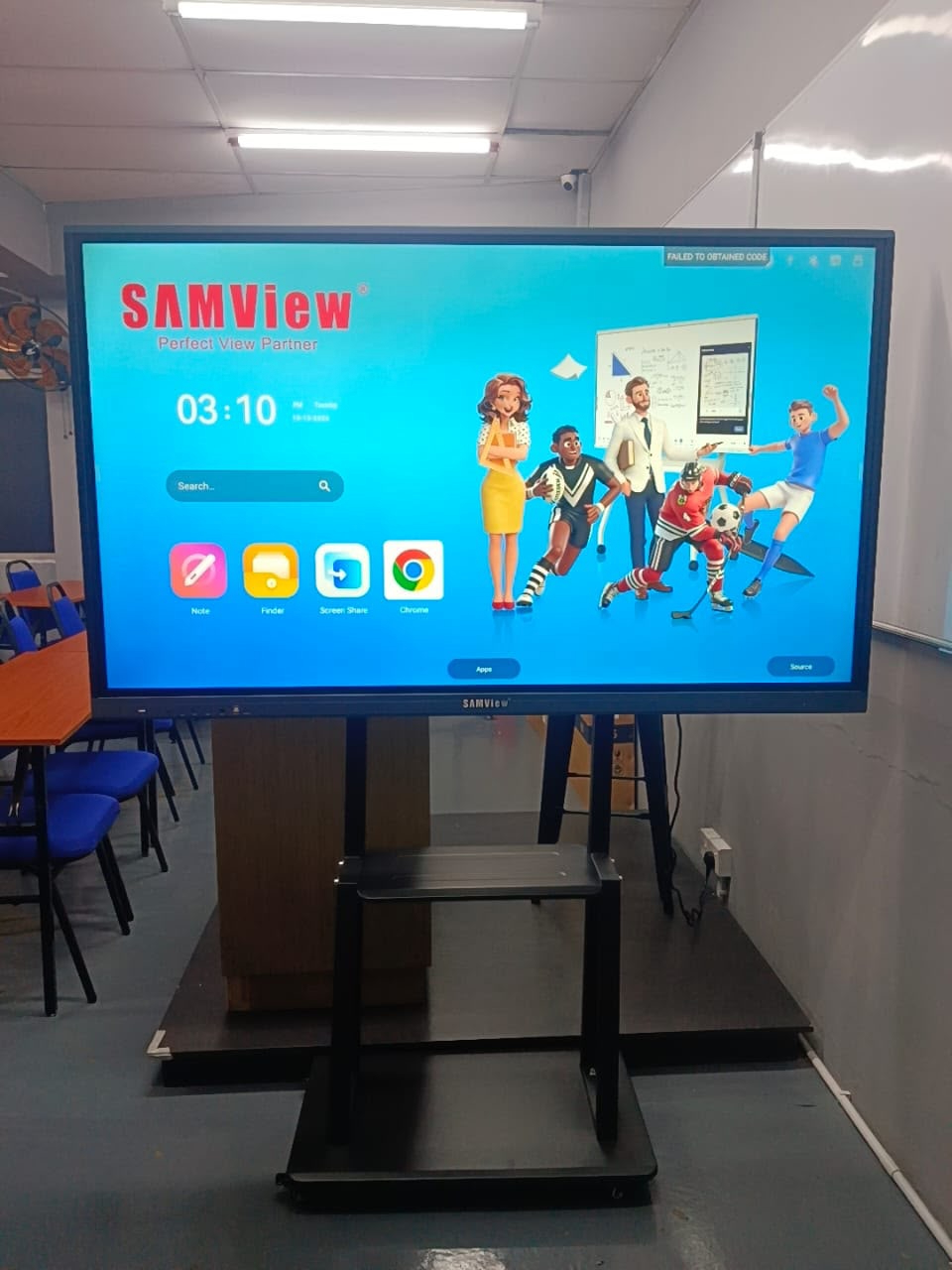
Samview supplied an interactive Smartboard for ES Tutorial. The completed setup places the display at the front of the classroom, where teachers can present digital materials and work on screen while facing the class.
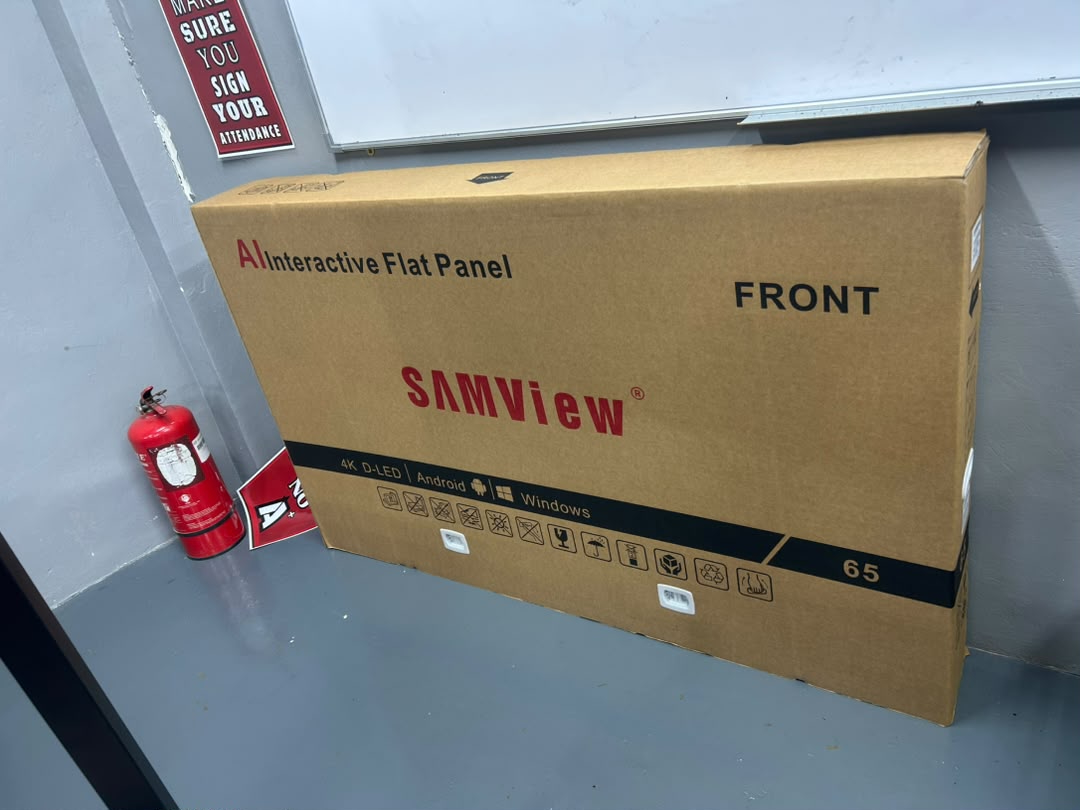
The project photographs show the equipment and the classroom setting, including the Smartboard powered on. They give tuition centres and other education providers a practical reference when planning their own display installation.
A closer look at the project
Watch the project video
View the project video to see the Smartboard in the ES Tutorial teaching environment.
Open the project video separately
Planning a Smartboard for a tuition centre
Screen size, seating layout and mounting position all affect how an interactive display fits into a teaching room. Samview can help your centre compare models and discuss installation requirements. Product functions depend on the selected model and configuration.
Explore your classroom options
Tell us about your teaching space and the setup you have in mind. Request a Smartboard demonstration and an official quotation for your centre.
Request a Similar Smartboard SetupCompare Smartboard Models